

Post once, show up everywhere.
One form for every channel: write text and images once, pick channels, done. Scheduling runs through your Buffer account, OXOM handles Discord itself.
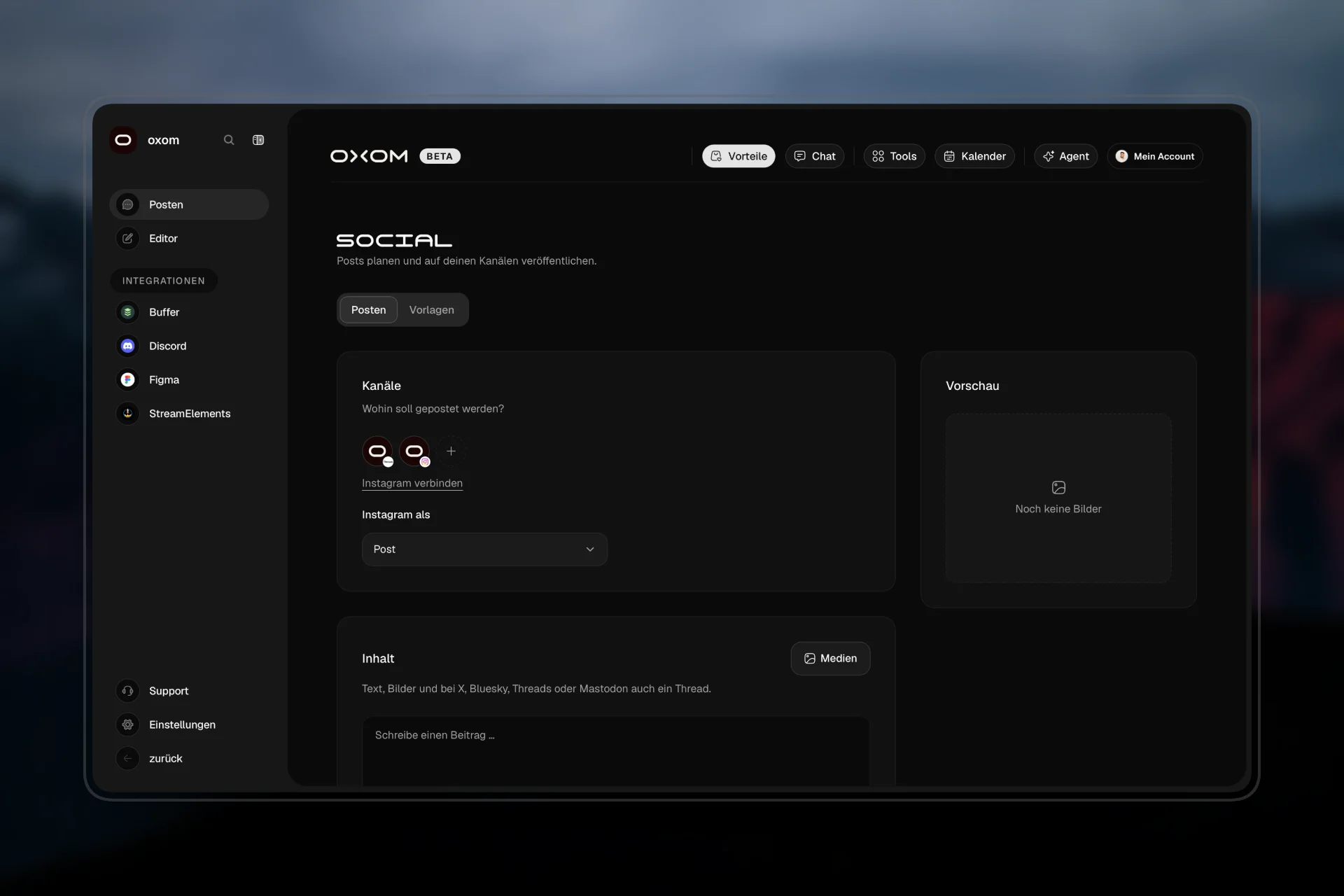
01 · Channels
One form, eleven platforms.
Through Buffer your posts go out to all the major platforms, OXOM handles Discord itself. A character counter per platform shows where it gets tight.
- X
- Threads
- Bluesky
- TikTok
- YouTube
- Google Business
- Mastodon
- Discord
02 · Schedule
Now, later or into the queue.
Post right away, at a set time or simply into your Buffer queue. Texts that are too long become a thread on X, Threads, Bluesky and Mastodon.
- Right away
- Set time
- Queue
- Threads
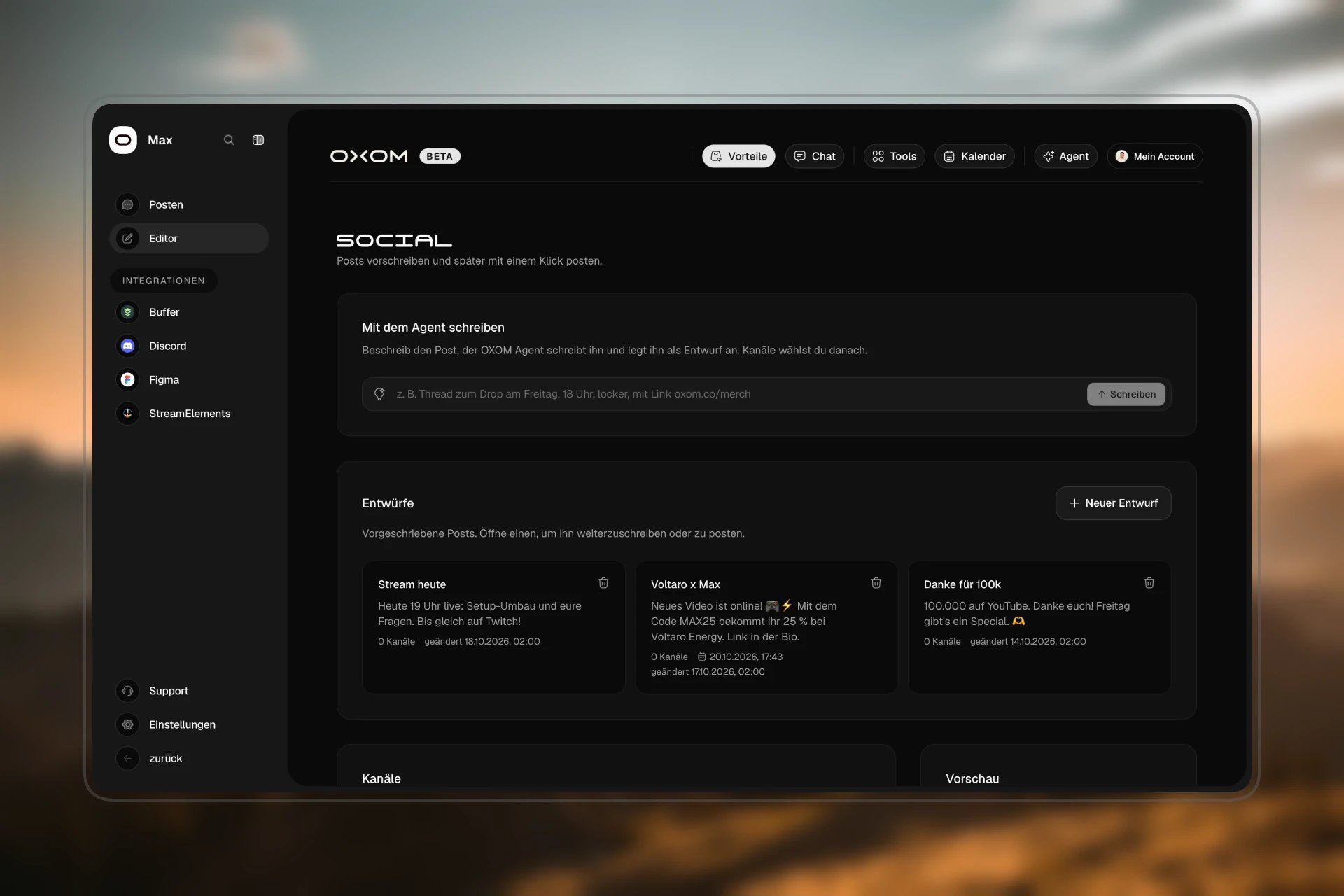
03 · Editor
Write when the idea is there.
Write posts ahead, with channels, time and thread parts, and post with one click when it fits. The Agent puts drafts straight in.
- Drafts
- One click to post
- Prepared by the Agent
04 · Discord
Post where your team already is.
In your server, reply to a message with “@oxom post this on Instagram”, confirm, done. For announcements you build messages with a title, image and button and save them as a template for next time.
- @oxom post
- Announcements
- Templates
FAQ
Frequently asked questions.
Do I need Buffer?
For every channel except Discord, yes, your own Buffer account. OXOM handles Discord itself.
Can I write a different text for Discord?
Yes. Buffer and Discord can get their own texts if you want, in the same form.
What happens to texts that are too long?
For X, Threads, Bluesky and Mastodon they become a thread. The character counter shows how much room you have on each platform.
OXOM is invite-only.
Request access
Already convinced?
Tell me what you want to use OXOM for. I'll get back to you personally.
No commitment · about 1 hour
Want to see it first?
I'll show you OXOM live, in person and with no strings attached. Then you decide.