OXOMOXOM

More than link in bio.

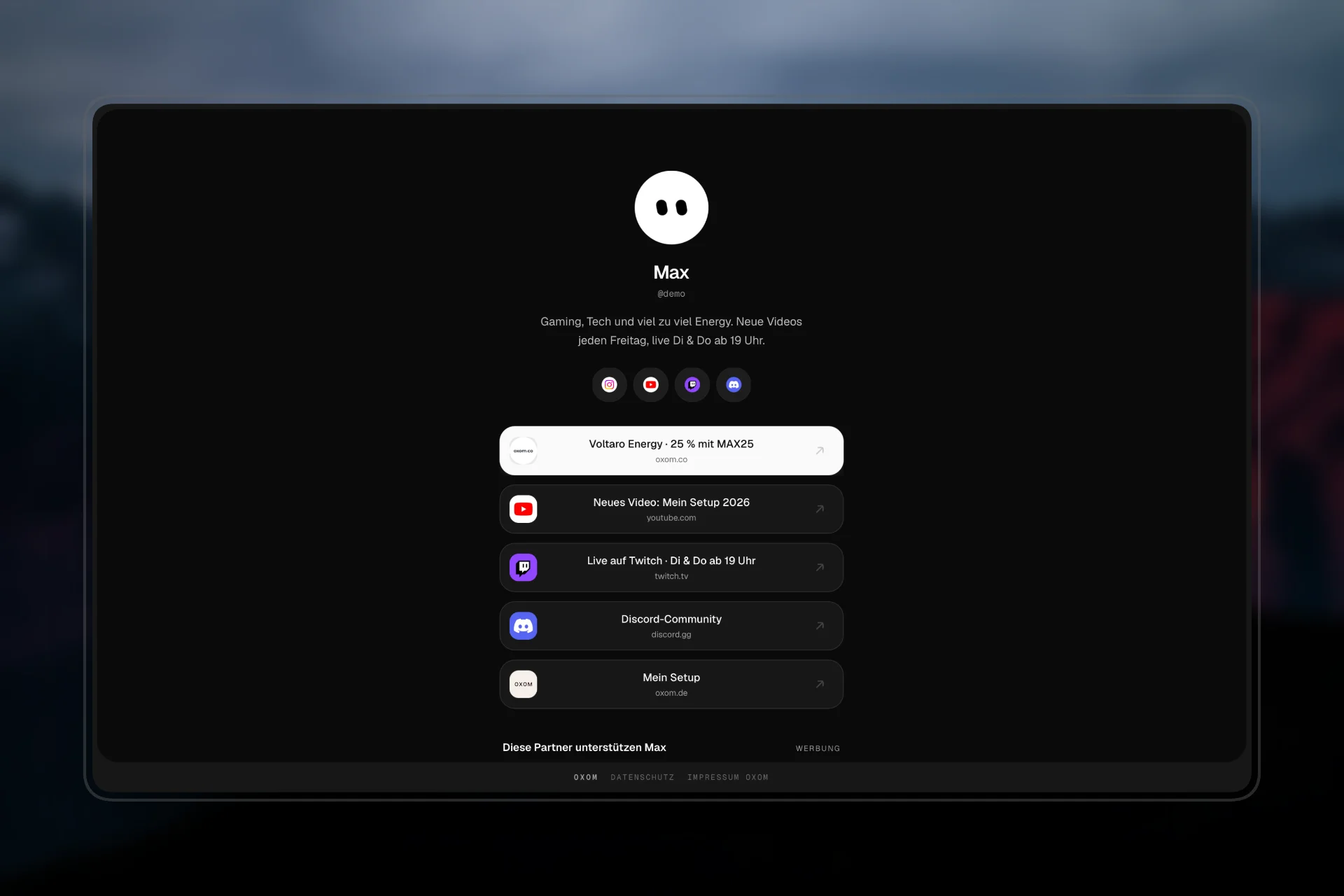
Your page shows your partners with a code to copy and pulls in your latest videos and streams on its own. Legal notice and contact form are built in.
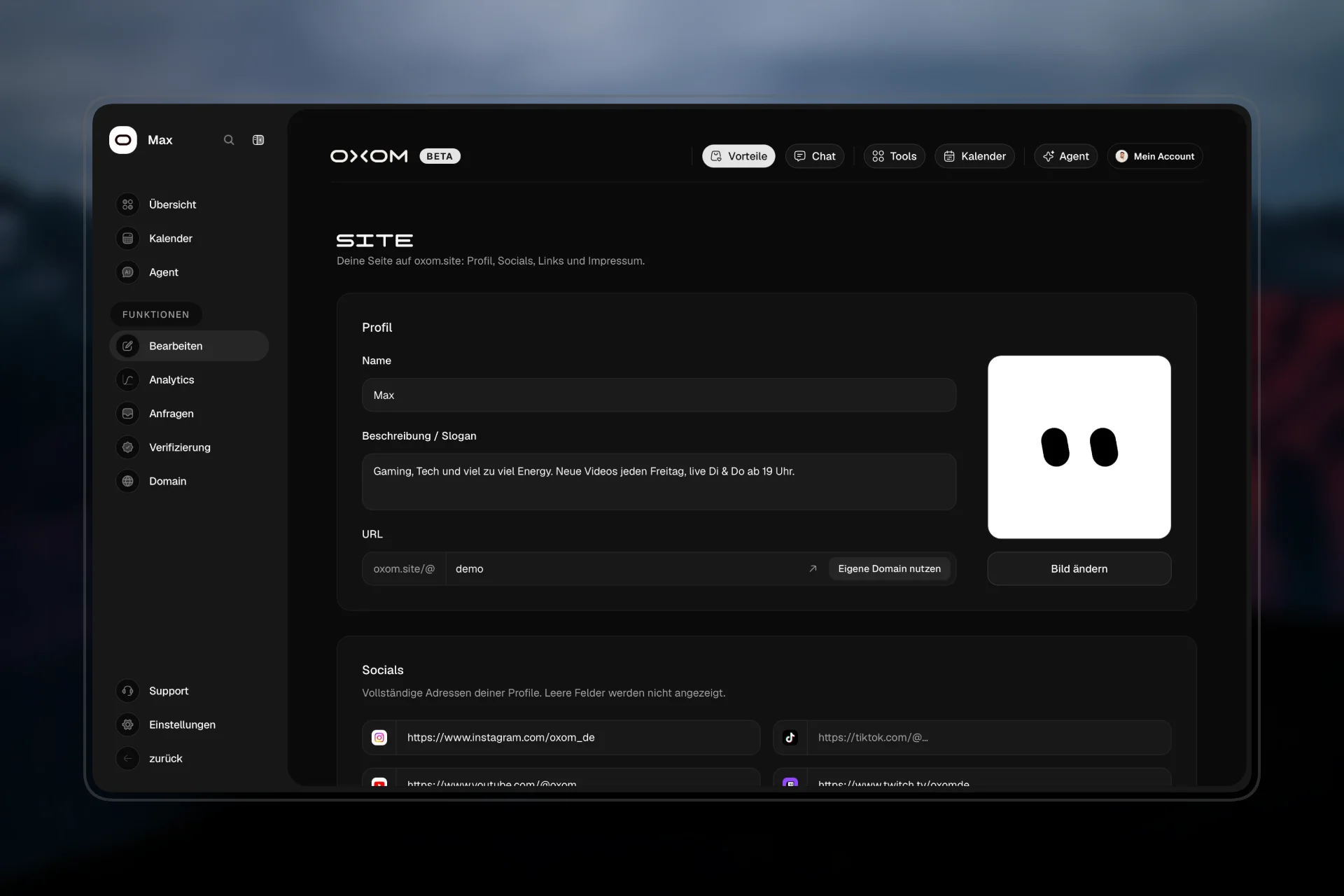
SITE in the workspace: editing profile, socials and address

01 · Content

Everything that belongs in your bio.

Profile, socials and links with a matching icon. Plus your partners: one click copies the code and opens the shop. Light, dark or your own style with your own background, darkened in five steps so every link stays readable. Or get a theme from the oxom store, with a live preview of your page.
  • Socials
  • Links with icons
  • Partner deals
  • Own background
  • Themes

02 · Latest content

A bio link that never goes stale.

Connect YouTube and Twitch, and your page shows your latest videos and streams on its own. oxom.site/@name/video always leads to your newest video, without you ever swapping a link again.
  • YouTube
  • Twitch
  • /@name/video
oxom.site/@voltaro
V

Voltaro

@voltaro

03 · Address

Your choice.

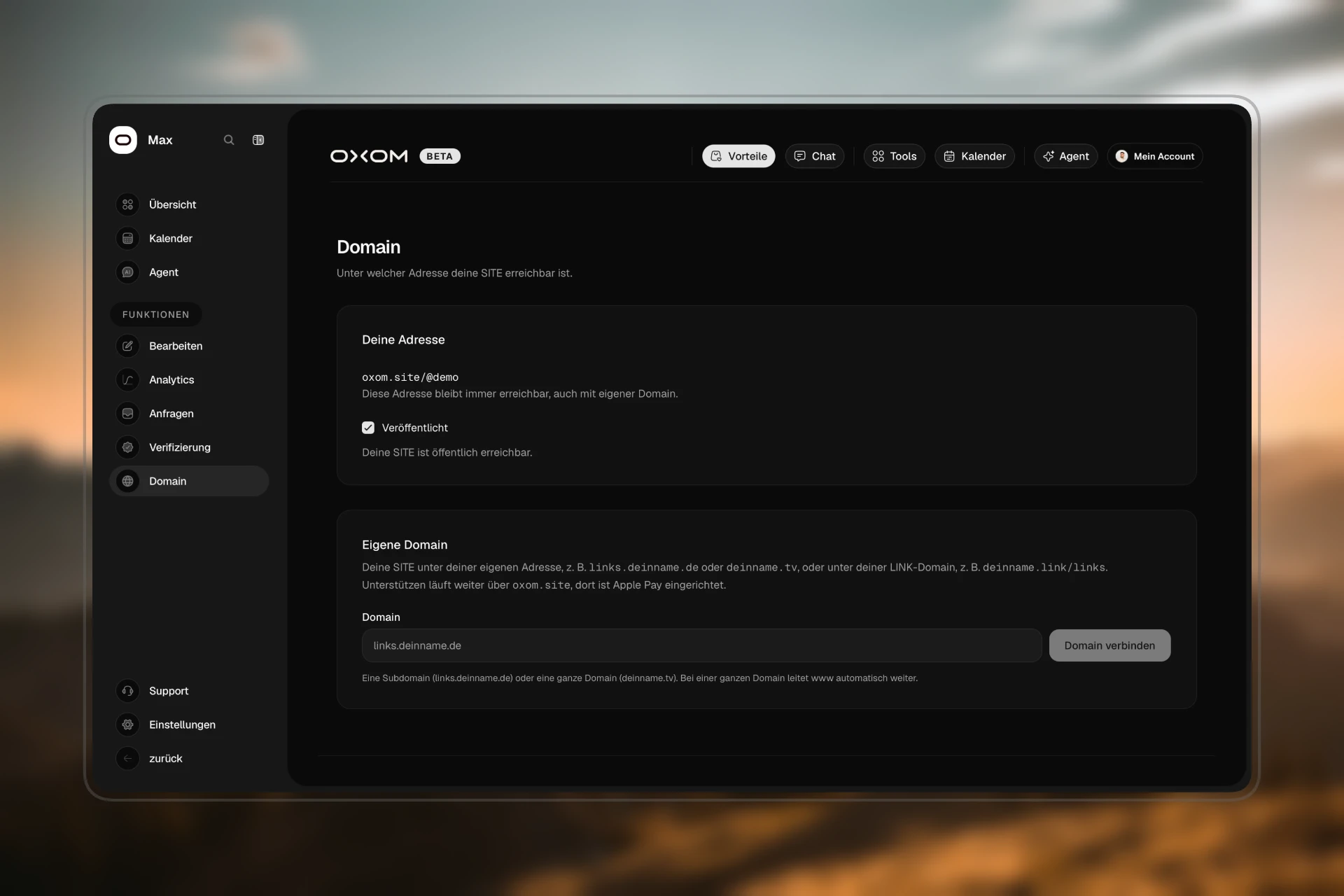
oxom.site/@name is always reachable. If you want, add your own domain or subdomain, with SSL set up automatically, or a path on your LINK domain, right next to your short links. Try it out.
  • oxom.site/@name
  • Own domain
  • Next to LINK

04 · Verified

So your fans know it's really you.

The bigger the channel, the more fake accounts show up, with fake giveaways and copied links. The checkmark shows your fans they're on your real page. You get it from 100,000 subscribers on YouTube, 40,000 followers on Twitch or as a Twitch Partner.
  • YouTube from 100,000
  • Twitch from 40,000
  • Twitch and Discord Partners
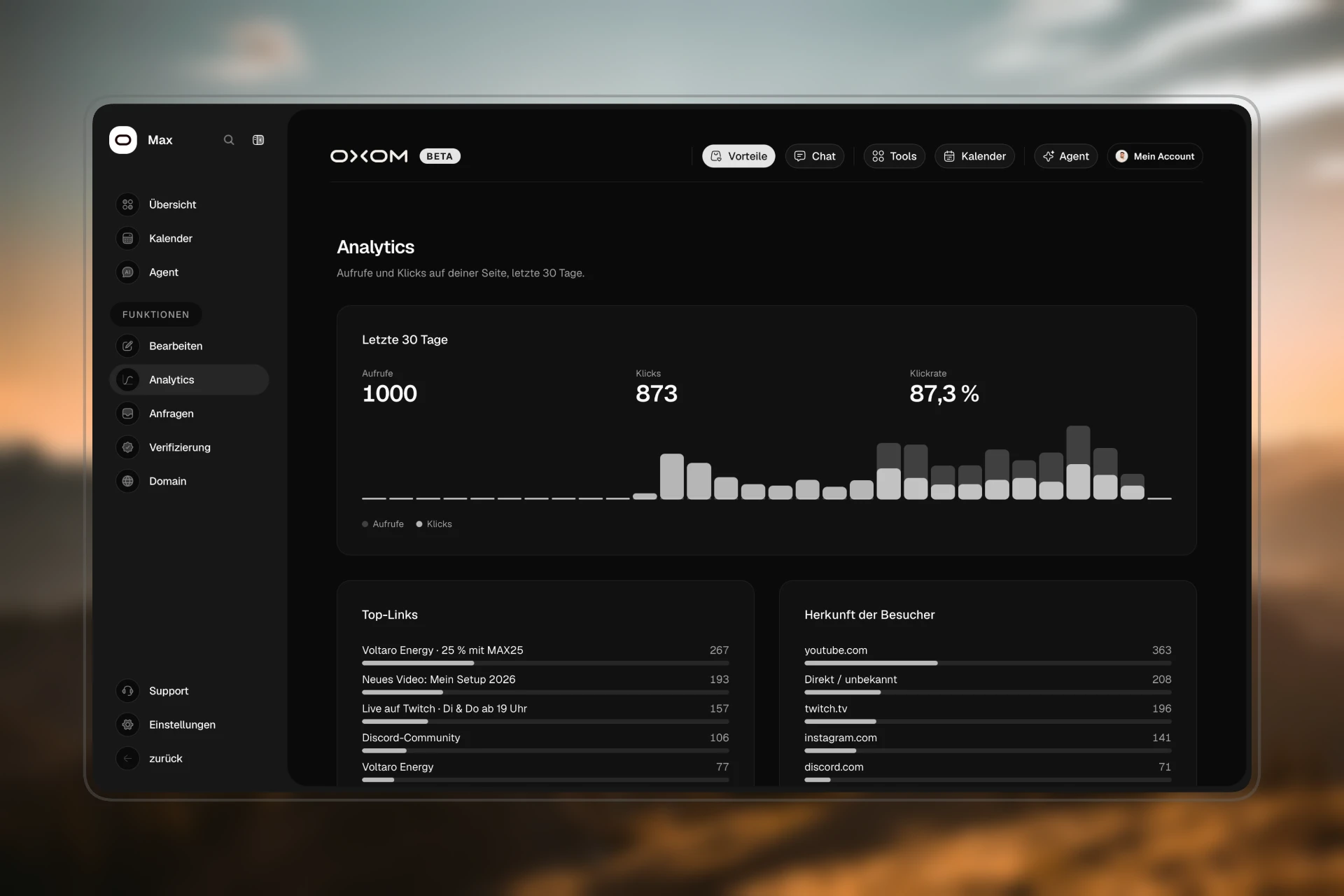
Page analytics: views, clicks, click rate and top links

05 · Analytics and enquiries

Who visits, what gets clicked, who writes.

Views, clicks and click rate over 30 days, plus top links, referrers, devices, countries and how your partners are doing. Messages from the contact form are collected in the workspace, with spam protection.
  • Click rate
  • Top links
  • Partners
  • Enquiries

06 · Move over · Beta

Your old page comes along.

Already have a link-in-bio page with another service? Enter its address, and name, description, profile picture, links and socials land in the editor. You check everything and save when it looks right.
  • Enter the address
  • Links and socials
  • Check before saving

FAQ

Frequently asked questions.

Can I move to my own domain later?

Yes, any time. oxom.site/@name stays reachable, so old links in your bios don't break.

Do I need a legal notice?

The fields for it are built in. Your page is only published once the legal notice is complete, and only then is the contact form available.

What does the checkmark cost?

Nothing. It appears on its own as soon as your channel reaches the threshold.

OXOM is invite-only.

Request access

Already convinced?

Tell me what you want to use OXOM for. I'll get back to you personally.

No commitment · about 1 hour

Want to see it first?

I'll show you OXOM live, in person and with no strings attached. Then you decide.